WhisKey vs MacWhisper: Full Feature Comparison 2025
Compare WhisKey and MacWhisper dictation apps. WhisKey adds iOS support, keyboard extension, and affordable Pro tier to local transcription.
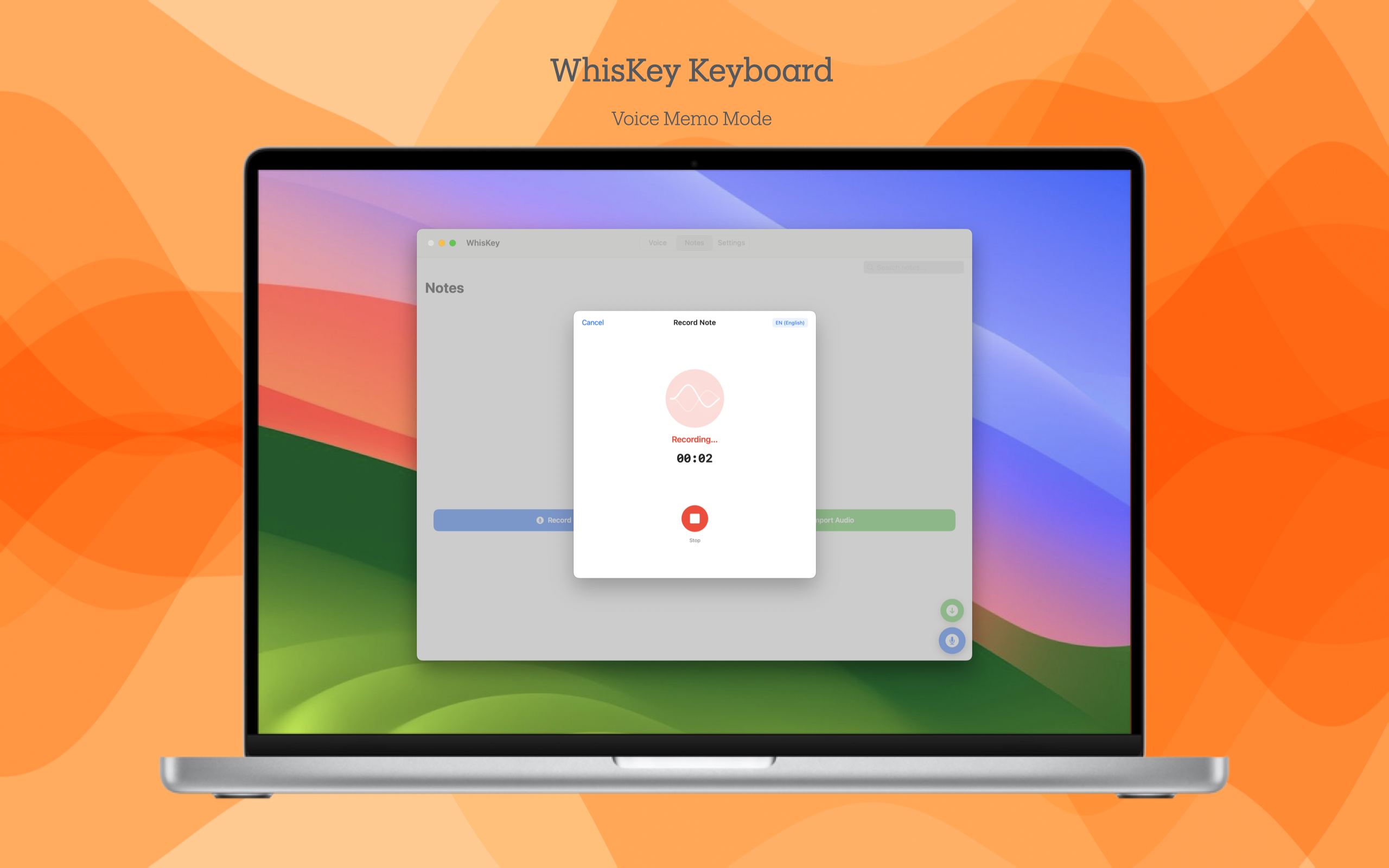
Searching for a MacWhisper alternative? MacWhisper is a powerful transcription app for Mac that excels at processing audio/video files. But if you need real-time dictationwith a keyboard extension, or want to use it on iPhone and iPad, you might want to consider WhisKey.
Both apps use OpenAI's Whisper technology for accurate on-device transcription, but they serve different primary use cases.
Quick Comparison
| Feature | WhisKey | MacWhisper |
|---|---|---|
| Price | Free / $0.99 Pro | ~$64 one-time |
| On-Device Processing | ||
| iOS Support | Limited | |
| iPadOS Support | Limited | |
| macOS Support | ||
| Keyboard Extension | ||
| Dynamic Island | ||
| File Transcription | ||
| Batch Processing | ||
| Speaker Recognition | ||
| Translation Mode | Pro | |
| AI Summaries | Pro | |
| Free Tier | Full features | Basic only |
Different Primary Use Cases
WhisKey is For:
Real-Time Dictation
- • Speak and get text immediately
- • System-wide keyboard in any app
- • Quick notes, messages, emails
- • On-the-go mobile dictation
- • Dynamic Island status updates
MacWhisper is For:
File Transcription
- • Transcribe audio/video files
- • Batch process multiple files
- • Podcast and video production
- • Interview transcription
- • Speaker identification
Pricing Comparison
| Aspect | WhisKey | MacWhisper |
|---|---|---|
| Free Version | Full transcription | Basic features only |
| Pro/Full Price | $0.99/month | ~$64 one-time |
| 5-Year Cost | $59.40 | $64 |
| Platforms Included | iPhone, iPad, Mac | Mac (iOS separate) |
Note: MacWhisper has a separate iOS app with limited features. WhisKey provides a unified experience across all Apple devices with one subscription.
What MacWhisper Does Better
File Transcription
MacWhisper is purpose-built for transcribing audio and video files. Drag in a podcast episode, meeting recording, or video file and get accurate transcripts.
Batch Processing
Need to transcribe multiple files? MacWhisper can process batches of audio/video files, making it ideal for content creators and researchers.
Speaker Recognition
MacWhisper can identify different speakers in a recording, labeling who said what. Useful for interviews, meetings, and multi-person content.
Nvidia Parakeet Model
MacWhisper supports Nvidia's Parakeet model for up to 300x realtime transcription speed on M-series Macs with the highest accuracy.
What WhisKey Does Better
System-Wide Keyboard
WhisKey's keyboard extension lets you dictate directly into any app on iOS/iPadOS. No need to transcribe elsewhere and paste — just speak where you type.
Full Mobile Support
WhisKey is designed for iPhone and iPad with optimized interfaces and the keyboard extension. MacWhisper's iOS app is more limited compared to its Mac version.
Real-Time Translation
WhisKey Pro can translate your speech in real-time while transcribing. Speak in English and get text in Spanish, or vice versa. MacWhisper doesn't offer this.
AI Summaries & Mind Notes
WhisKey Pro can generate AI summaries and mind maps from your transcriptions, helping you organize and understand your dictated content.
Use Both Together?
Many users actually benefit from having both apps:
- WhisKey for daily dictation, quick notes, and mobile use
- MacWhisper for transcribing recorded content, podcasts, and interviews
They complement each other well since they serve different workflows.
The Verdict
Choose WhisKey if: You need real-time dictation, want a system-wide keyboard, use iPhone/iPad regularly, or want translation and AI summary features.
Choose MacWhisper if: Your primary need is transcribing audio/video files, you need batch processing, or you want speaker identification in recordings.
For everyday dictation across Apple devices with modern features, WhisKey provides the more complete and affordable solution.
Ready to Try WhisKey?
Experience privacy-first voice dictation with our generous free tier. Upgrade to Pro for just $0.99/month for unlimited features.